Mobile + admin dashboard studio

The same chores, every single day?Let a system do them.

I build for small businesses, event organizers and startups: websites & apps, operations tools, chatbots & AI, plus automation. Within 1–3 days you click through a working mockup; I start building only once you approve.

Tell me what you needSee the work

Services
14
First mockup
1–3 days
Typical timeline
3 days–3 weeks

One customer, from first look to coming back

At every step something is taking care of it for you. You don't have to build it all at once; start with the step where you get stuck most.

  1. 19:12 am

    Finds you

    A friend sends your link. One tap on the phone and they know what you sell and where you are.

    UsesWebsiteMobile app

  2. 211:40 pm

    Asks a question

    At midnight they message “Any slots tomorrow?” and get an answer right away.

    UsesChatbotAI support

  3. 311:41 pm

    Books

    They pick a slot themselves; it closes when full, and you don't reply to a single message.

    UsesBookingLogins

  4. 4Next afternoon

    Visits

    How many are coming, who is on shift, what came in: one look at your dashboard.

    UsesDashboardSchedulingCalculator

  5. 5Next month

    Comes back

    Reminders and offers go out on time and social posts publish on schedule, so customers remember you.

    UsesRemindersSocial postsSurveys

Does this happen to you every day?

Tap the one that sounds most like you and see what changes.

After

A bot answers the common questions and collects details first; only what it can't handle reaches you.

UsesChatbotAI support

After

Customers pick their own slot, get a reminder the day before, and booking closes when full.

UsesBookingReminders

After

One view of the whole rota; swaps and time off happen on a phone, and the system flags gaps.

UsesSchedulingLogins

After

Orders and revenue flow into a dashboard automatically. One look tells you how business is going; reports export in a click.

UsesDashboardCalculator

After

Schedule a week of posts at once; AI writes the drafts and nothing goes out until you approve.

UsesSocial postsExplainer video

After

Every day the data you need is collected, filtered by your rules and put into one table.

UsesData collectionReminders

What I can build for you

14
01

Brand website & product pages

Customers open it on their phone and instantly see what you sell and how to reach you, and it doesn't look like a template.

ExampleProduct intro, pricing calculator and booking form on one page; swapping in your brand colors and copy means editing one file.

Timeline 3–7 daysTry the site demo
02

Mobile app (no app store) + push

Customers add the app to their home screen straight from a link, with no app-store review, and you send push notifications when it matters.

ExampleA companion app: new lessons unlock weekly, with a journal, surveys and timed push reminders.

Timeline 2–3 weeks
03

Logins & permissions

Admins, staff and customers each see and edit only what they should, and every change is logged.

ExampleOne-tap Google sign-in, invite codes, and separate permission levels for admins and staff.

Timeline 3–4 days
04

Online booking & registration

Customers pick a slot and fill in their details; it closes automatically when full. No more back-and-forth messages to set a time.

ExampleRegistration and session management for a large event, with QR self check-in on site and stats as soon as it ends.

Timeline 1–2 weeksTry the booking form
05

Staff scheduling

Staff list and rota in one view: who works which shift, with swaps and time off requested from a phone instead of a group chat.

ExampleA staff roster for an event organizer, assigning each person to sessions with access scoped per session.

Timeline 1.5–2 weeks
06

Admin dashboard & reports

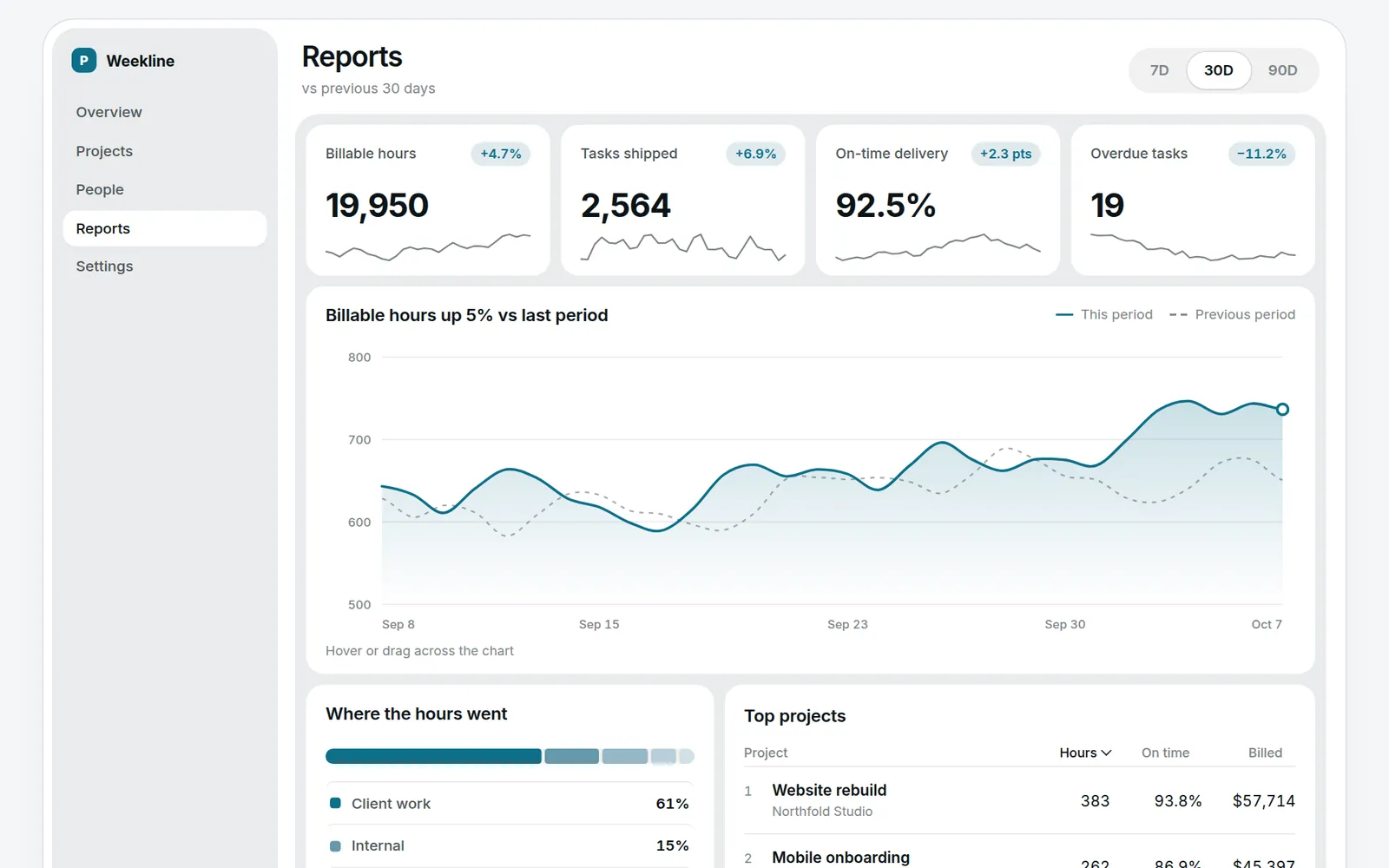
Orders, customers and revenue in one place. A quick look each day tells you how business is going, and reports export to Excel in one click.

ExampleA project team's data dashboard: completion rate per record, CSV export, and a log of who viewed what.

Timeline 1.5–2.5 weeksSee the dashboard demo
07

Custom tools & calculators

Turn the spreadsheet you use today into a web tool: quotes, bookkeeping, inventory, all usable on a phone.

ExampleA shared household budget (monthly close), a portfolio calculator, and a pricing calculator.

Timeline 3–10 daysTry the calculator
08

Surveys, courses & quizzes

Put your lessons online with surveys and short quizzes; answers are tallied for you automatically.

ExampleAn online course with weekly surveys; the organizer sees each person's completion rate in a dashboard.

Timeline 1.5–2 weeks
09

Messaging chatbot (LINE & more)

Customers message you and the bot answers first, collects details and sends booking reminders; anything it can't handle goes to you.

ExampleA service team collects customer requests through LINE chat, follows up on a schedule, and gets an automatic summary when each chat ends.

Timeline 1–1.5 weeksTry the chat demo
10

AI support assistant

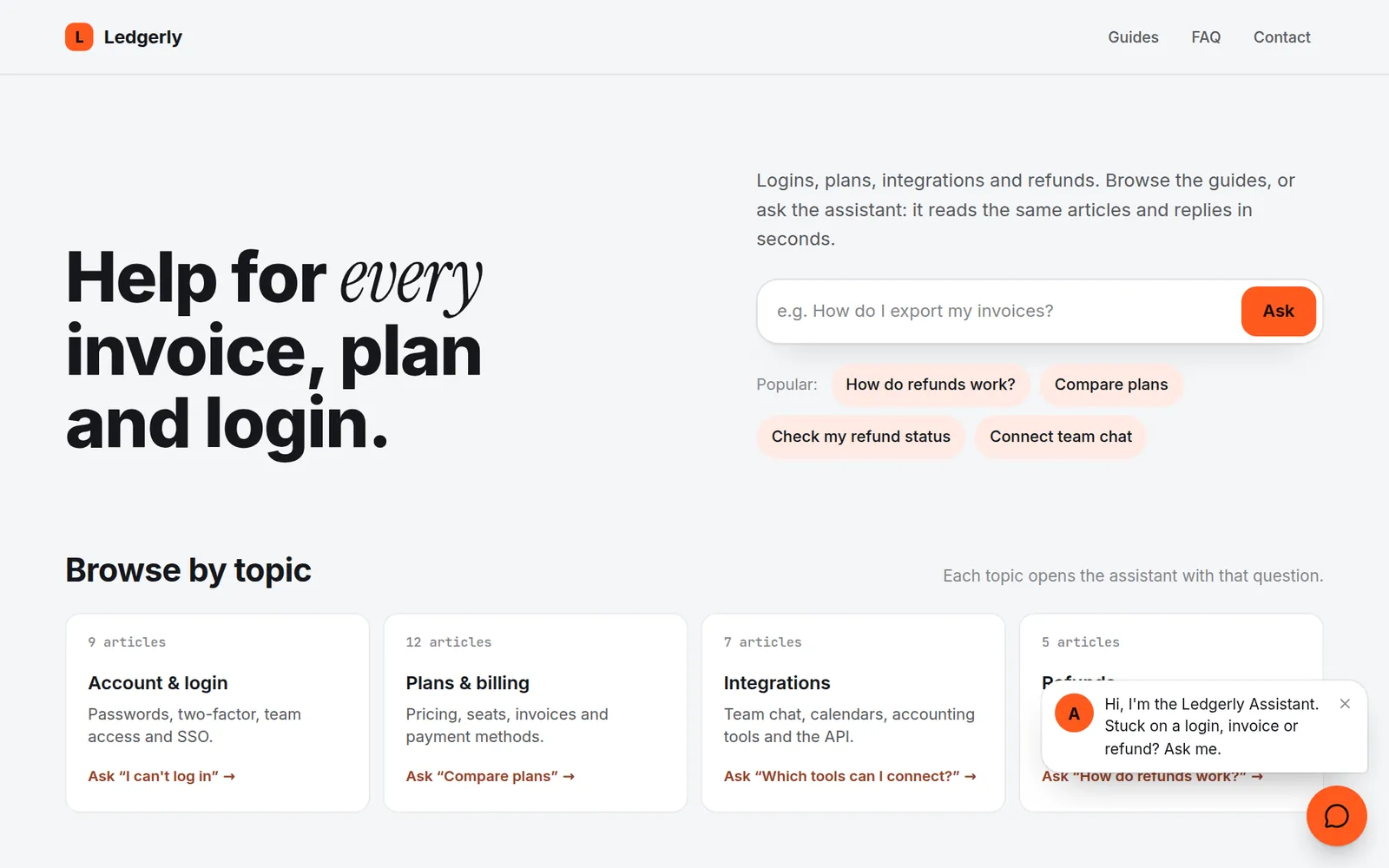
Sits in the corner of your site and uses your own content to answer FAQs, look up orders and take bookings, even at 2 am.

ExampleAn AI help widget on a website that cites its sources and hands off to a human when it's unsure.

Timeline 1–1.5 weeksChat with it
11

Scheduled reminders & automation

Hand recurring tasks to the system: notifications on time, daily reports generated automatically, incoming emails sorted for you.

ExampleA push alert 5 minutes before a flash sale; card-payment emails logged into a budget automatically.

Timeline 3–4 days
12

Data collection & cleanup

Every day the system pulls the data you need from the web, filters it by your rules and puts it in a table. No more copy-paste.

ExampleDaily scraping of freelance and job boards, filtered by your criteria and pre-scored by AI.

Timeline 3–7 days
13

Social scheduling & auto-posting

Queue posts for Threads, Facebook and Instagram in one go; AI drafts them, you approve before anything goes out, and results are tracked.

ExampleA social-media workspace: multi-platform scheduling, AI drafts with human review, and a nightly summary email.

Timeline 1–1.5 weeks
14

Animated charts & explainer videos

Turn data and processes into motion graphics or short videos that stand out on social media and in presentations.

ExampleAn animated chart where rankings reshuffle over time, and an explainer video with voice-over and captions.

Timeline 2–3 days per video
Timelines for all 14 services

Timelines assume a typical scope; the real figure depends on features. Once you tell me what you need, you get an itemized quote.

Work you can try

02See all work →
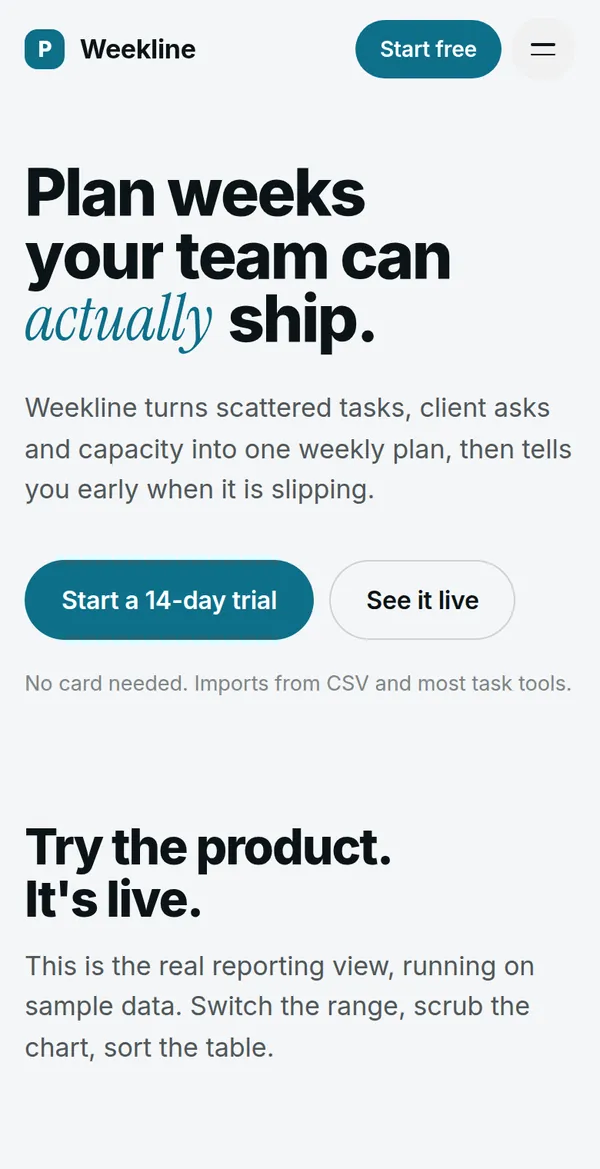
Product website with a live dashboard screens

Product website with a live dashboard

Landing page, interactive analytics, a pricing calculator and a validated sign-up form — one page, no templates.

  • Landing page
  • Product page
  • Dashboard
  • Data viz
  • Pricing calculator
  • Forms
AI assistant widget for any website screens

AI assistant widget for any website

A support & shopping assistant that streams answers, cites sources, tracks orders and hands off to a human.

  • Chatbot UI
  • AI integration
  • Customer support
  • Embeddable widget

How it works

  1. 01

    Tell me what you need

    A few lines on what you want and what hurts most. I reply with an approach, a timeline and a quote.

  2. 02

    See a mockup first

    Within 1–3 days you get a clickable mockup. I start building only after you approve it.

  3. 03

    Try it as I build

    Every week you get a link to try on your phone. Tell me what to change.

  4. 04

    Launch & handover

    I launch it and include a how-to guide. Need changes or new features later? Same person to ask.

How long does an online booking & registration system take?

1–2 weeks for a typical scope: customers pick a slot and fill in their details, booking closes when full, and guests can check in on site with a QR code. Pricing depends on the features; you get an itemized quote before work starts.

How long does a LINE official account chatbot take?

1–1.5 weeks for a typical scope: the bot answers common questions, collects details and sends booking reminders, and hands anything it can't handle to you.

Does a small business need an app, or is a website enough?

For most small businesses a website is enough. What I build is an installable web app: customers add it to their home screen from a link, with no app-store review, and it can still receive push notifications. 2–3 weeks for a typical scope.

Hire a developer, or subscribe to off-the-shelf software — what's the difference?

Off-the-shelf software is cheap and quick to start, but you follow its workflow and pay every month. A custom system follows how you already work and is paid once; hosting for a small system is usually close to zero. If your process is standard, start with an off-the-shelf tool; if it's unusual, or the subscriptions keep growing, consider custom.

What does it cost per month once the system is live?

For most small systems with light usage, hosting is close to zero. If you send lots of SMS or email, or usage is heavy, I tell you the monthly cost up front.

Don't see what you need?

These are just the common ones. Most things you handle today with spreadsheets, paper or group chats can become a system. Email me or use the form.

Write to me